Contact Prime Market
Questions, vendor applications, access problems — submit below or use the on-market messaging system once you're logged in.
Get in Touch
For most support issues, the fastest path is through the market's own internal messaging system — reachable after you've logged in at the .onion address. The form below is for general inquiries related to this information site, or for people who haven't yet established a market account and need pre-registration guidance.
If you're writing about a specific order or dispute, include your order ID and keep all sensitive details PGP-encrypted. Plain-text communication of account details, addresses, or transaction specifics is not advised.
Prime Market Support Channels
Support on Prime Market operates through several channels depending on the nature of your issue. For account-level problems, the on-market ticket system is the primary path. Vendor-specific issues (bond payments, account upgrade, PrimeBot setup) should go through the vendor support channel after logging in.
| Channel | Best For | Response Context |
|---|---|---|
| On-market messaging | Order issues, vendor questions, account help | Logged-in users only |
| Dispute chat | Active order disputes with vendor | Three-way: buyer, vendor, moderator |
| PrimeBot (Jabber) | Vendor-level automated notifications | Level 2+ vendors only |
| This contact form | Pre-registration queries, URL verification | General inquiries, no account required |
Prime Market Login & Account Access
If you're having trouble logging in, the first thing to verify is that you're using the correct .onion URL. Phishing sites exist and they look convincing. The only real Prime Market address is:
Prime Market Official .onion
http://primeazlozdecj746nw7anc7vpcaz3pqltbjm4slxx6y6g4r3tel35qd.onion/
Clearnet mirror for URL reference: primemarket.link
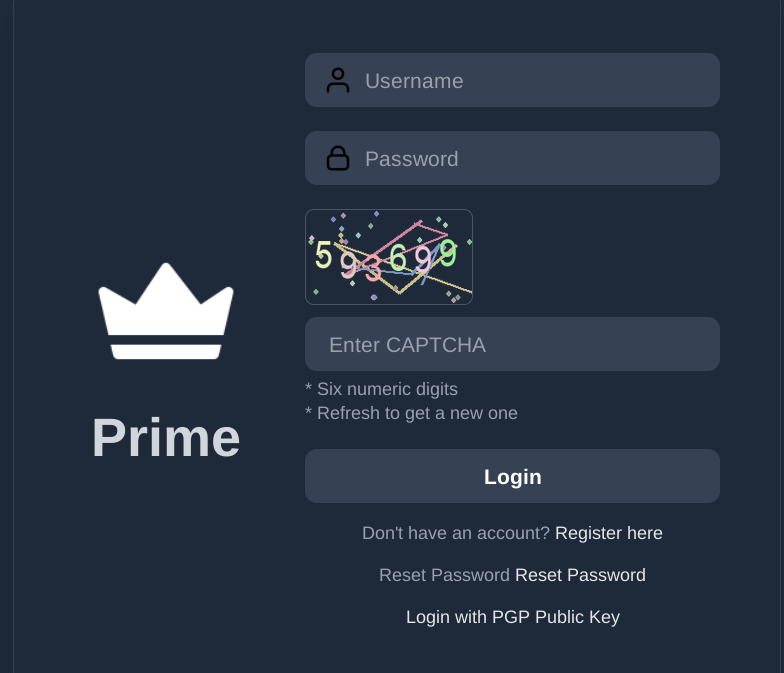
Common Login Issues
If you've lost access and set up a mnemonic key during registration, use the account recovery flow on the login page. If you did not generate a mnemonic key and have lost your password, account recovery is not possible — Prime Market does not store passwords in recoverable form, by design.
PGP-Encrypted Communication
Prime Market strongly recommends all users maintain a PGP key. Vendors are required to have one; buyers benefit from the same. PGP-encrypted messages between buyers and vendors protect against interception and provide non-repudiation — meaning either party can prove what was agreed to. For instructions on setting up PGP, the Tor Browser guide includes relevant software recommendations. Your public key should be uploaded to your Prime Market profile after account creation.
Reaching Prime Market moderators: Moderators are accessible only through the on-market dispute system or via internal messaging. There is no external contact for moderation. All moderation happens within the platform's three-way dispute interface.